
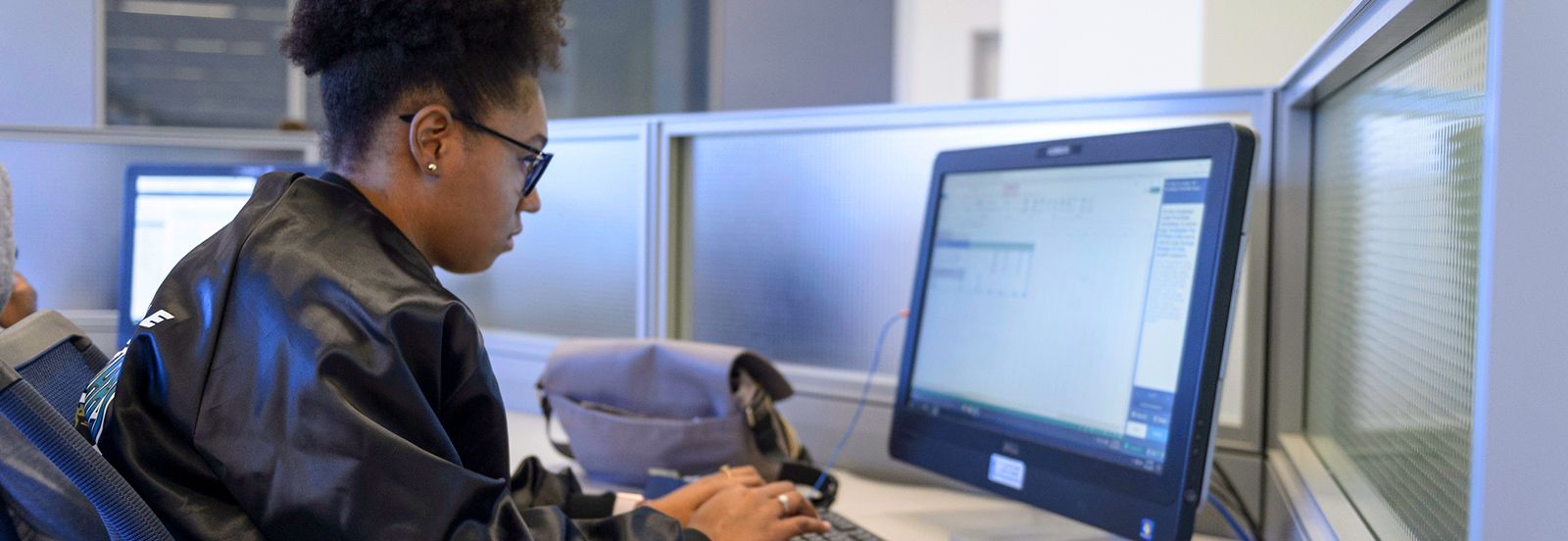
Your test day
What to bring, when to arrive and what to expect, so nothing gets in the way of your exam.
Arrive 15–30 minutes early
Check-in takes time: ID check, photo, signature and storing your belongings. Arriving early keeps that time out of your exam.
Bring the right ID
ID rules are set by your exam’s test sponsor, not by thinQdata. Check your confirmation email. The name on your ID must match your registration exactly.
Late arrivals
If you arrive more than 15 minutes late you may not be admitted, and you may lose your exam fee. Some sponsors are stricter, so check yours.
Personal items stay outside
Phones, watches, bags, notes, food and drinks are not allowed in the testing room. You’ll store them before you check in.
Breaks follow sponsor rules
Whether you can take a break, and whether the exam clock keeps running, depends on your exam. Ask the proctor before you leave your seat.
A secure, monitored room
Testing rooms are proctored and recorded. Follow the proctor’s instructions and raise your hand if you need anything.
Before you leave home
- Find your appointment confirmation email. It lists the date, time, test center address and the ID your sponsor requires.
- Check that your ID is current (not expired) and that the name matches your registration. If it doesn’t, contact your exam provider before test day.
- Plan your route and parking, and allow extra time for traffic.
- If you have approved testing accommodations, make sure they’re noted on your booking. Accommodations are approved by your exam provider in advance.
At check-in
- Present your ID. Depending on your exam, we capture your photo and signature.
- Store your belongings, including phones, smartwatches, wallets, keys and jackets, in the storage provided.
- Review and agree to the exam rules. The proctor may check your pockets, sleeves and eyeglasses before you enter.
- The proctor seats you and starts your exam.
Rescheduling or cancelling
Your appointment is booked through your exam provider, so changes are made there too. Deadlines and fees vary by program, and many require changes at least 24 to 48 hours before your appointment. Missing the deadline or your appointment can mean losing your exam fee.
| Exam provider | How to reschedule or cancel |
|---|---|
| Pearson Professional Assessments | Sign in through your exam program’s page in the A–Z program list, or see customer service. |
| PSI | Sign in to your PSI account, or contact your program’s team through PSI Test Taker Support. FAA tests: PSI FAA portal. |
| Kryterion | Sign in to Webassessor, or use Kryterion candidate support. |
| Meazure Learning | Sign in to your account, or use Meazure Learning Support. |
| ETS (GRE, TOEFL, Praxis) | Sign in to your ETS account for your test, or see the ETS contact directory. |
| DSST / Prometric | Use Prometric’s Find your exam page to reschedule or cancel. |
| CLEP | Manage your registration in your CLEP account, and contact us to change your test center appointment. |
Running late or can’t make it today? Call us right away at 833-727-6387. We’ll tell you what your exam’s policy allows.
After your exam
Some exams show a result on screen and the proctor gives you a score report before you leave. Others release scores later through your exam provider’s account. Collect your belongings and check out with the proctor before you go.
Ready to schedule your exam?
Our clean, quiet, comfortable test centers are ready for you. Reach out and our team will help you book the right exam at the right location.